VPS vs Dedicated Server: When to Upgrade

Key takeaways
- A VPS gives you isolated CPU, RAM, and NVMe storage on shared hardware, while a dedicated server hands you the entire machine and its full I/O ceiling.
- Most sites, apps, and game servers never outgrow a well-provisioned VPS; the upgrade case is driven by sustained resource saturation, not one-off traffic spikes.
- Dedicated hardware earns its cost for heavy databases, high-throughput I/O, GPU work, per-socket licensing, and strict compliance isolation.
- A high-performance KVM VPS on Xeon plus NVMe closes most of the old performance gap, so you can scale vertically before committing to bare metal.
- Decide with data: watch CPU steal, sustained RAM pressure, and disk latency over weeks, then upgrade only when the ceiling is real.
A practical guide to VPS vs dedicated server: performance, cost, scalability, and the exact workloads that justify a bare-metal move.
If you are weighing a VPS vs dedicated server, the short answer is this: stay on a VPS until a single instance is consistently maxed out over weeks, then move to dedicated hardware for the workloads that truly need the whole machine. Most projects never reach that point, and the ones that do usually know it from their own metrics rather than a guess.
This guide walks through the differences that actually affect your bill and your uptime: performance and resource isolation, cost per unit of capability, how each option scales, and the specific workloads that justify bare metal. By the end you will have concrete thresholds to watch instead of a vague feeling that you have "outgrown" your server.
What each one actually gives you
A VPS (virtual private server) is a slice of a physical host, carved out by a hypervisor. With KVM virtualization, that slice behaves like its own machine: dedicated vCPU allocation, guaranteed RAM, isolated storage, and full root or Administrator access. You control the operating system, the kernel modules, and the firewall. Your neighbors on the same host cannot see or touch your instance.
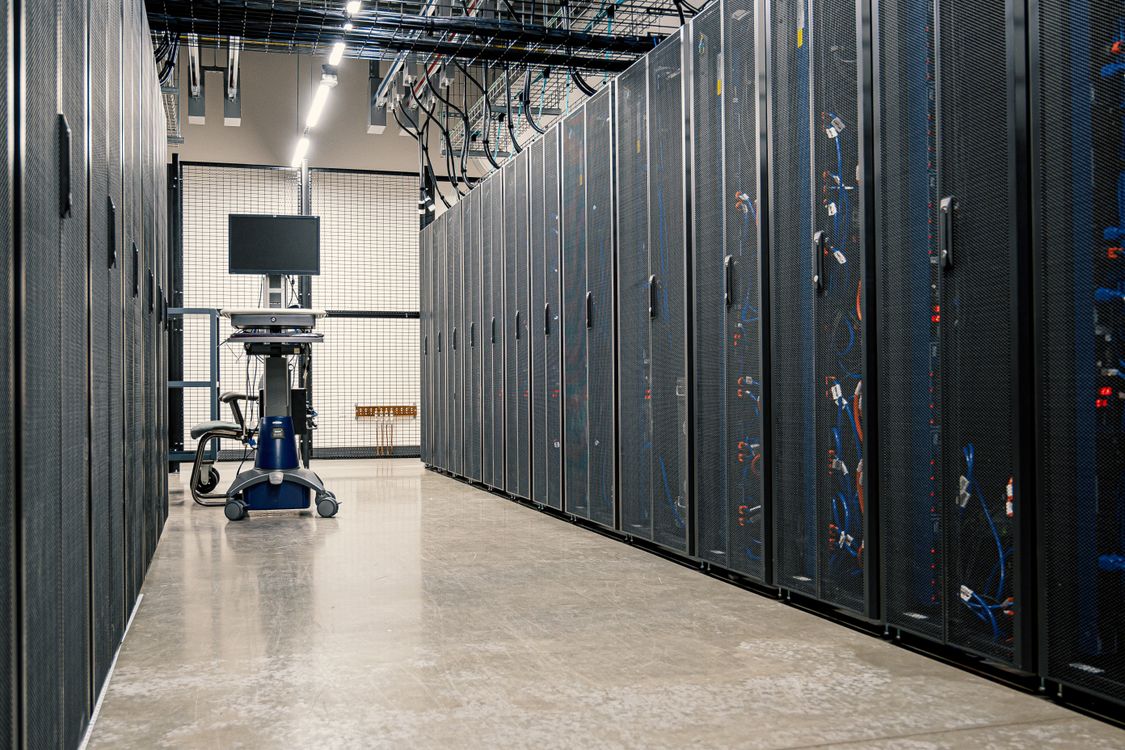
A dedicated server is the whole physical box. Every core, every gigabyte of memory, and the entire disk I/O ceiling belong to you alone. There is no hypervisor layer taking a small cut, and no possibility of a noisy neighbor competing for the same physical disk queue.
The distinction that matters in practice is resource contention. On a VPS, the provider guarantees your allocation, but the underlying hardware is shared. On dedicated, contention does not exist because there is nobody to contend with. The server virtualization software market is projected to grow from $10.34 billion in 2025 to $11.3 billion in 2026, which tells you how many workloads run perfectly well on a virtualized slice rather than a full box.
Performance and resource differences that matter
The old assumption was that virtualization always cost you meaningful performance. On modern KVM hosts running enterprise Intel Xeon CPUs with NVMe SSD storage and DDR4 ECC memory, that gap has narrowed to the point where it rarely decides a project's fate. KVM passes hardware virtualization extensions straight through, so CPU-bound work runs close to native speed.
Where you still see real differences:
- Sustained disk I/O. A dedicated server owns the full NVMe I/O queue. A busy VPS shares the host's storage subsystem, so under heavy simultaneous load your effective throughput can dip. For random read and write workloads, NVMe drives deliver dramatically higher IOPS and lower latency than older SATA SSDs, which is why the storage type behind your plan matters more than the VPS-versus-dedicated label. If you want the detail, see our breakdown of the real performance difference between NVMe and SATA SSDs.
- CPU steal. On an oversold host, your VPS can wait for physical cores while the hypervisor services other guests. A reputable provider avoids overselling, and you can measure steal directly with
topormpstat. Dedicated hardware has zero steal by definition. - Memory guarantees. ECC memory on both options catches single-bit errors. The difference is quantity and predictability: a dedicated box lets you provision far more RAM than a typical VPS tier without the per-gigabyte pricing of scaling a virtual instance.
For the majority of websites, APIs, and multiplayer game servers, a well-provisioned VPS delivers the responsiveness players and users notice. The performance conversation only tips toward dedicated when you are saturating a specific resource around the clock.
VPS vs dedicated server: cost per capability compared
Price tags mislead here. A dedicated server costs several times more than a VPS per month, but the useful question is cost per unit of capability you will actually consume.
| Factor | VPS | Dedicated server |
|---|---|---|
| Entry price | Low, prepaid tiers | Higher monthly commitment |
| You pay for | The slice you use | The whole machine, used or not |
| Scaling step | Resize up a tier | Provision a new box |
| Idle waste | Minimal | High if under-utilized |
| Best value when | Load is moderate or spiky | Load is heavy and constant |
The trap is paying for a full physical machine and running it at twenty percent utilization. You are buying headroom you never touch. A VPS lets you match spend to real demand and step up only when the metrics say so. If keeping costs predictable is the goal, our guide to low-cost VPS hosting that doesn't cut corners covers how to size a plan without overpaying.
There is a hidden cost on the other side too. Downtime is expensive, and consolidating everything onto one dedicated box concentrates risk. New Relic's 2025 Observability Forecast puts the median cost of a high-impact outage at $2 million per hour for the organizations surveyed. For most readers the absolute figure will be far smaller, but the lesson holds: a single machine failing takes everything on it down at once, while separate VPS instances spread that risk.
Scalability and flexibility trade-offs
Scaling a VPS is a control-panel operation. On a modern KVM platform you resize vCPU, RAM, and disk, reboot, and you are running on the new allocation minutes later. Vertical scaling like this is the fastest path to more capacity, and it is reversible: scale down after a launch spike and your bill follows.
Dedicated servers scale differently. You cannot add half a CPU. When you need more, you provision an additional physical machine and distribute load across both, which means load balancing, data replication, and more operational overhead. That is powerful at large scale, but it is a bigger commitment than dragging a slider.
Flexibility also covers how fast you can start over. A VPS can be reinstalled or rebuilt from a template in minutes through the control panel, so testing a new OS or recovering from a bad configuration is cheap. Provisioning and re-imaging bare metal takes longer. If you are new to spinning instances up and down, our walkthrough on deploying a virtual machine in minutes shows the workflow end to end.
Workloads that truly need a dedicated machine
Plenty of projects run indefinitely on a VPS. A handful of workloads genuinely benefit from owning the whole box:
- Large, write-heavy databases. When a database's working set exceeds what fits comfortably in a VPS tier's RAM, or when sustained write throughput saturates shared storage, dedicated NVMe and full memory control pay off.
- High-throughput, latency-sensitive I/O. Real-time analytics, high-frequency logging pipelines, and heavy transactional systems that need every microsecond of consistent disk performance.
- GPU or specialized hardware. Machine learning training and rendering pipelines that require physical GPUs you cannot slice cleanly.
- Per-socket or per-core licensing. Some commercial software bills by physical core. On dedicated hardware you can pin and count cores exactly, which sometimes makes bare metal cheaper overall.
- Strict isolation and compliance. Regulatory requirements that mandate single-tenant hardware with no shared physical layer.
Notice the pattern: these are cases where you need the whole machine constantly, or where a hard technical or legal boundary rules out sharing. A traffic spike twice a year is not on this list. That is what vertical scaling on a VPS is for.

How a high-performance VPS bridges the gap
The reason the upgrade decision is less urgent than it used to be is that a modern VPS carries most of the hardware that once separated it from dedicated. A Bytehosty KVM VPS runs on enterprise Intel Xeon processors with NVMe SSD storage, DDR4 ECC memory, and 10 Gbit uplinks, with full root access and the Virtualizor control panel for resizing and reinstalls. You get unmetered traffic and AS203446 SmartMitigate DDoS protection on every plan, so the network layer holds under pressure without a separate scrubbing service.
In practice that means you can scale vertically through several tiers before bare metal even enters the conversation. Start small, watch your metrics, and resize when a resource is genuinely pinned. When you do that, keep an eye on three signals over a period of weeks:
- CPU steal climbing consistently above a few percent (measure with
mpstat -P ALL 1). - Sustained memory pressure that forces the system into swap during normal operation, not just backups.
- Disk latency you cannot resolve by moving to a higher NVMe tier.
If all three stay red after you have already scaled the VPS up, that is your data-driven cue to consider dedicated hardware. Until then, a right-sized VPS is the more economical and flexible choice, and it keeps your options open. To size your first instance sensibly, our step-by-step VPS setup guide covers provisioning, hardening, and the first-week checks worth running.
Making the call
Pull up your actual usage before you spend a dollar more. Log CPU steal, memory pressure, and disk latency over a normal two-week window, then scale your VPS up one tier if any of them run hot. If the numbers settle, you have your answer and you saved the dedicated-server premium. If they stay pinned even after scaling, price out a dedicated box against the specific workload that is saturating you.
Ready to start or resize? Compare the Bytehosty KVM VPS plans, provision one in minutes, and let your own metrics tell you if and when bare metal is worth it.
Questions covered
Is a VPS or a dedicated server better for a small business?
For most small businesses a KVM VPS is the better fit. It offers full root access, predictable pricing, and enough isolated resources for websites, apps, and staging, without paying for a whole physical machine you will not fully use.
When should I upgrade from a VPS to a dedicated server?
Upgrade when a single VPS is consistently saturated over weeks, not just during a spike. Signs include steady high CPU steal, RAM pressure that forces swap, disk latency you cannot resolve, or licensing that bills per physical core.
Does a dedicated server always perform better than a VPS?
Not always. A modern KVM VPS on enterprise Xeon hardware with NVMe SSDs and DDR4 ECC memory can match or beat an older or budget dedicated box for many workloads. Raw hardware matters more than the label.
Can I move from a VPS to a dedicated server later?
Yes. Because a well-built VPS uses the same Linux or Windows stack you would run on bare metal, migration is mostly copying data and reconfiguring services. Start on a VPS and move only when the numbers justify it.